商品コード: JMD-H5SYV-HJ8US
Dedicated JEMDO Studio Captu
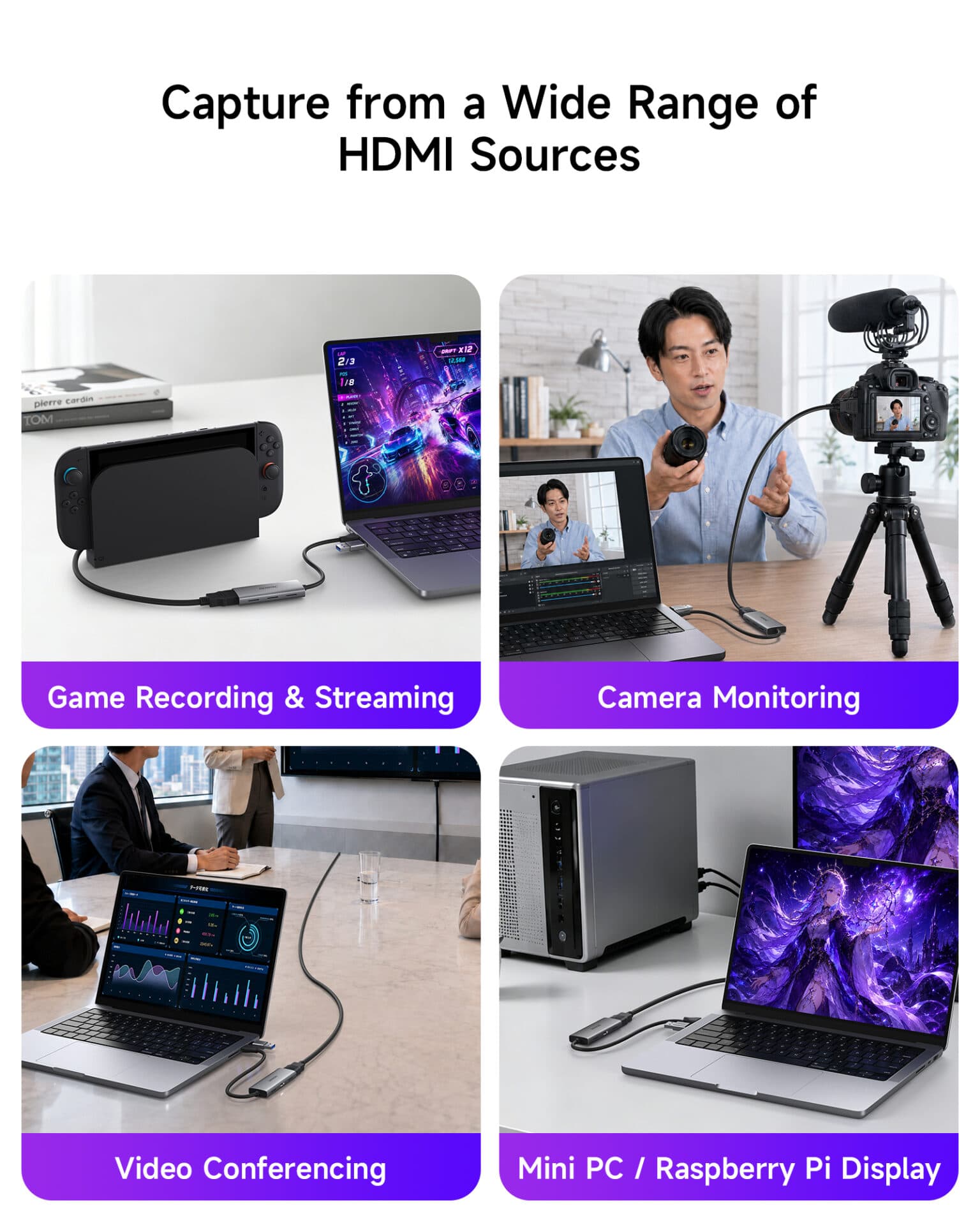
Capture and preview supported video sources with JEMDO Studio, JEMDO’s own capture software developed for a dedicated video capture workflow. Designed to work with the JEMDO capture card, it gives users a software option for viewing and capturing supported HDMI sources on compatible computers. Use it for supported gaming, camera preview and other capture tasks. OBS Studio is also supported for users who prefer a more customizable recording and streaming workflow.
1080p@60fps Video Capture —
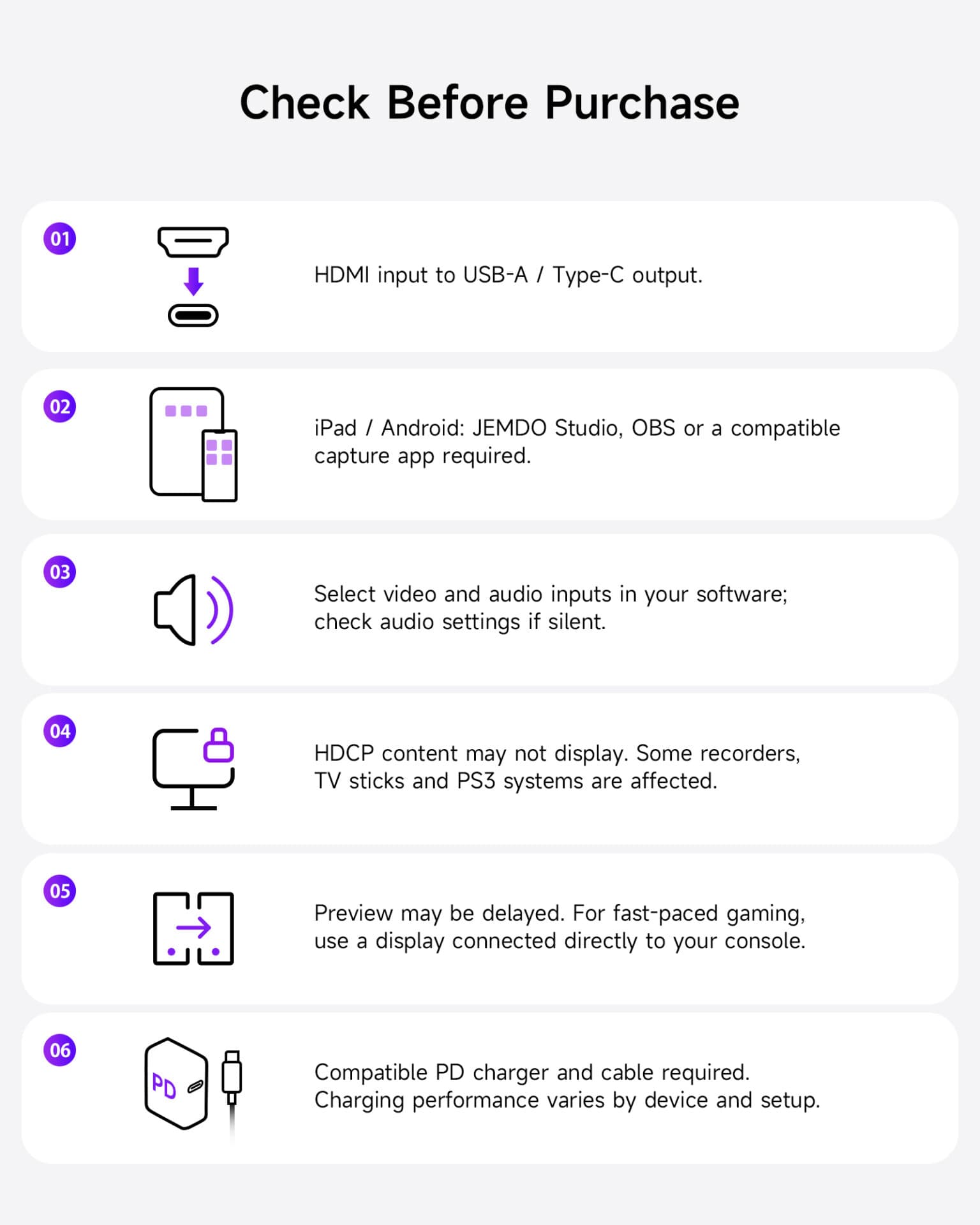
Capture gameplay, camera footage and other supported HDMI video sources at up to 1080p@60fps. The capture card is designed for clear, smooth video preview and recording in compatible setups, making it suitable for gaming content, tutorials, live streaming and everyday video capture. The actual capture format depends on the input signal, connected computer, software settings and device compatibility. HDMI input resolution and capture output resolution are separate specifications.
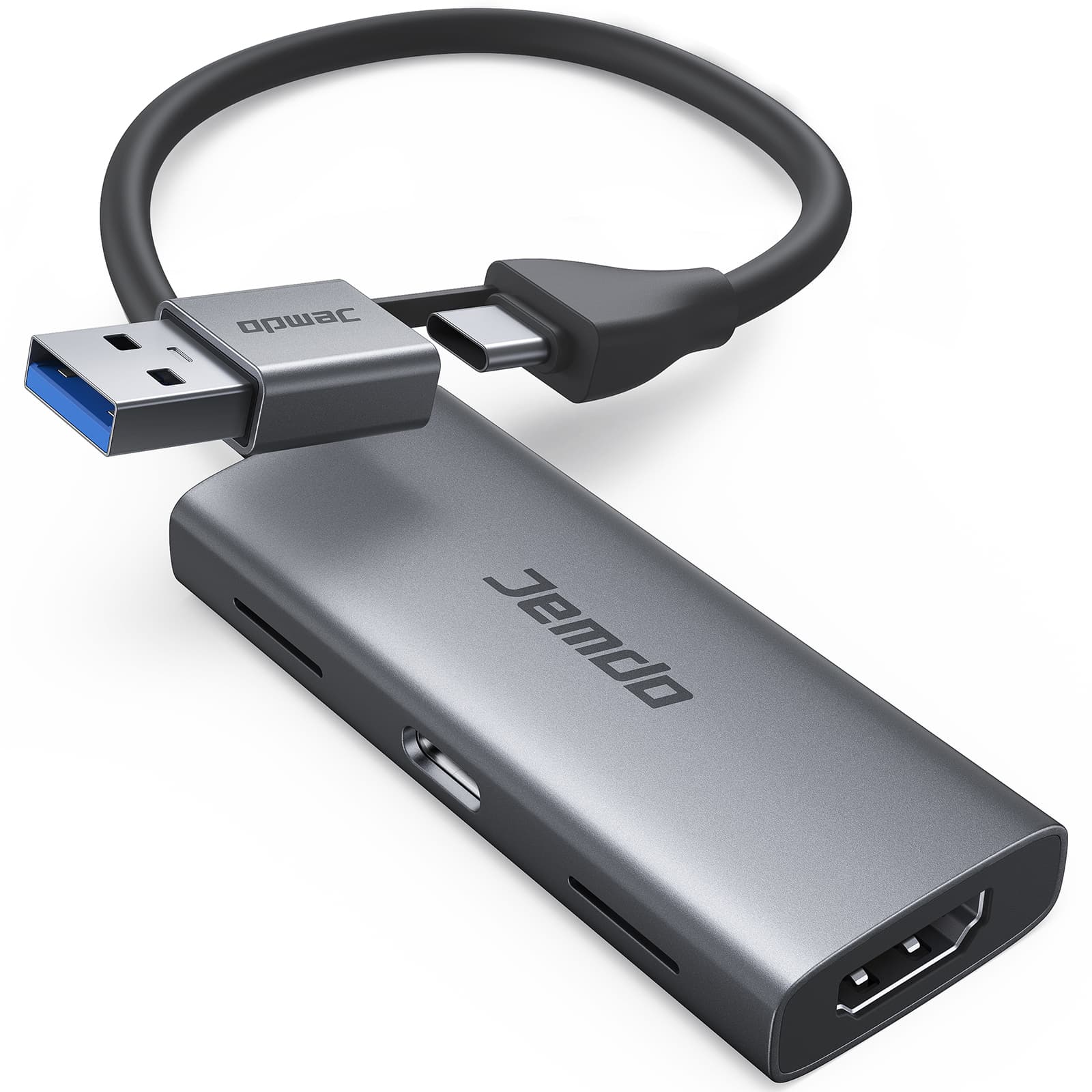
USB-A and USB-C Dual-Connect
With both USB-A and USB-C connection options, this capture card offers flexibility when connecting to compatible computers and other supported devices. Choose the connector that matches your setup instead of relying on a single connection type. It can support gaming, camera and video capture workflows across compatible Windows, Mac and Android devices, subject to system requirements, available ports and software compatibility.
Switch 2
Connect compatible HDMI output devices, including for Nintendo Switch 2, for Nintendo Switch, for PS5, for Xbox consoles and cameras, to bring their video signals into a supported computer or capture workflow. The supplied product information indicates HDMI input support up to 4K@60Hz, while capture output is up to 1080p@60fps. Actual input formats depend on device compatibility, and HDCP-protected content cannot be captured.


製品別ガイド・ファームウェア・トラブル解決

ライブ適合・接続サポート
ご購入前にサイズ適合、TV 出力仕様、同梱物を確認したいですか?
ライブチャットを開くと、現在ご覧の商品と選択中のバリエーションが自動で共有されます。
注文前にポータブルドック、直結 HDMI 変換ケーブル、多機能 GaN 充電ドック(for Switch 2)を比較。PD ワット数・映像規格・ファームウェア更新対応まで解説。
ケースを付けたままドックに挿せるか、コントローラー着脱のしやすさ、スティックを圧迫しない収納高さまで、失敗しない選び方を徹底解説(for Switch 2)。
発売直後に無駄なアクセサリーを買わないための購入優先度ガイド。携帯派・リビング派・配信派それぞれに必要な装備を整理(for Switch 2)。